Module 1
Getting Started
2 lessonsBegin gently, with a clear path and plenty of time to get comfortable.
An iPhone & iPad course from FTS Computer Repair
A calm, step-by-step course for your iPhone and iPad — in plain English, at your own pace, on the devices you already own.
One-time payment · Lifetime updates

Does this sound familiar?
"I only really use it for calls and photos."
"Someone said 'just swipe up' — up from where?"
"It keeps asking me for a password I don't remember setting."
"My photos are on here somewhere, and also in a cloud?"
"I'm afraid I'll press something and lose everything."
"The grandkids set it up. I've been guessing ever since."
Here's the part nobody says out loud: none of that means you're bad with technology. Apple hid a lot of very clever things behind small taps and swipes, and then handed you the box. You don't need to be technical. You need someone to show you, once, in plain English.
Picture this instead

Introducing
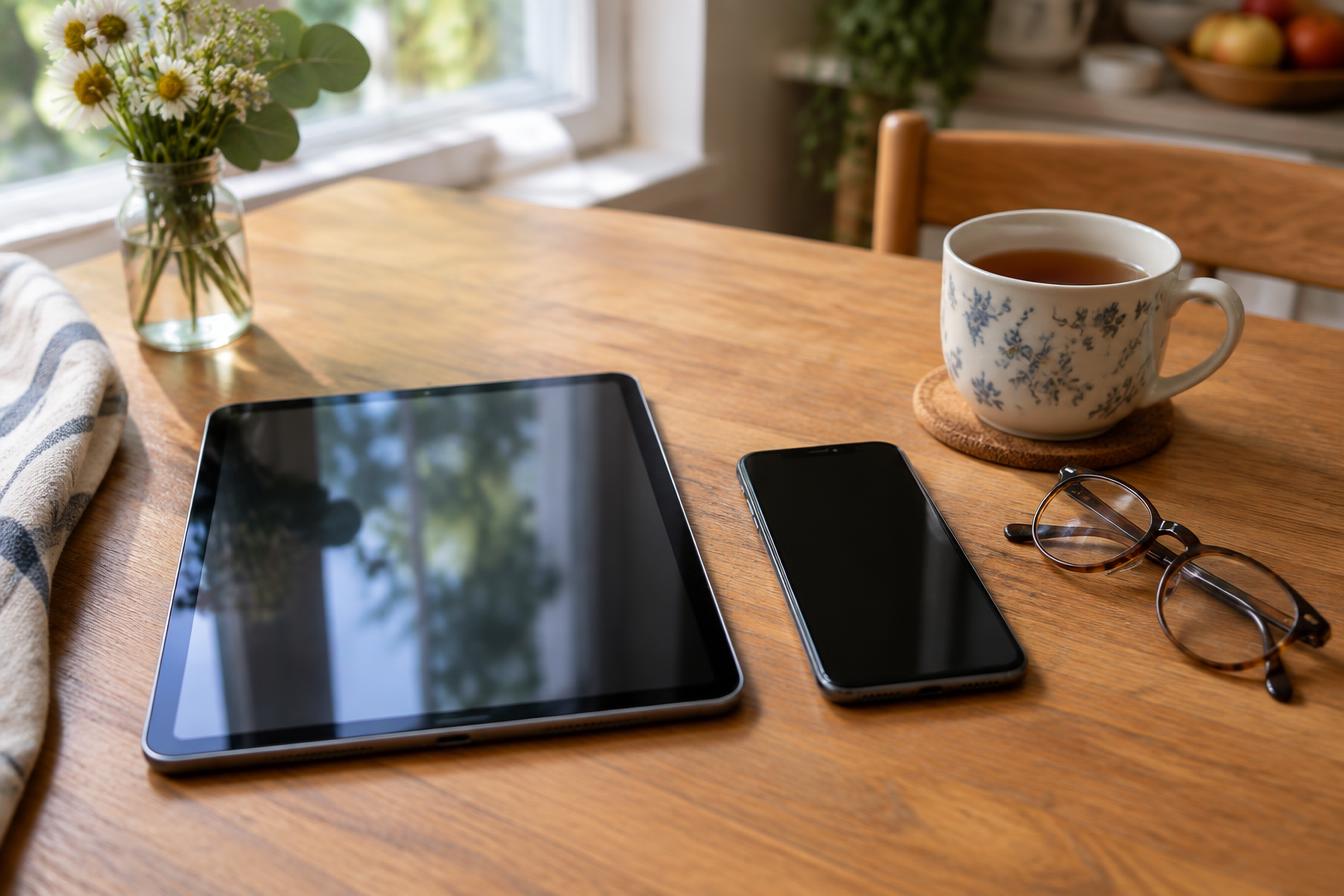
A complete, beginner-friendly course that teaches you your iPhone and iPad in the order a person actually learns it — starting with the very basics.
It's built for the person who was handed a new iPhone or iPad and told "you'll figure it out." Short lessons, in plain English, each one building on the last. No technical background needed. Nothing assumed.
It's $97, once — not a subscription, not a class you have to keep up with. You go at your own speed. Stop in the middle of a lesson, make a cup of coffee, come back tomorrow — it waits for you. And when you forget how to do something three months from now (everyone does), you come back and watch that one part again.
It is not a pile of tips. It's one organized path from "this is the button that does that" all the way to "I know how to keep this thing safe and running." By the end, your iPhone/iPad stops being a mystery and starts being a tool you own.
What's inside
Ten modules and 69 lessons, arranged to help you learn one comfortable step at a time.
Module 1
Begin gently, with a clear path and plenty of time to get comfortable.
Module 2
Get familiar with your device and feel more at ease holding and using it.
Module 3
Understand the everyday words and simple gestures used throughout the course.
Module 4
Work through the important basics in a calm, manageable order.
Module 5
Adjust your device so it feels clearer, easier, and more comfortable to use.
Module 6
Feel more confident using your device to keep in contact with others.
Module 7
Build confidence with the parts of your device you are likely to use every day.
Module 8
Learn a steady approach to staying safe and handling common problems.
Module 9
Explore more of what your device can do once the basics feel familiar.
Module 10
Make your device feel more like your own and better suited to your needs.
Still growing
As Apple updates your devices and technology keeps moving, new lessons get added — and because your access is for life, everything added later is already yours at no extra cost.
So think of this as a sneak peek at a course that keeps growing. And if there's something you were hoping to learn that isn't covered yet, the feedback form at the end is how it gets added.
Why not just look it up?
The answers are written for people who already know the words. And it's hard to search for something when you don't know what it's called.
Good videos exist. But they're out of order, half of them are for a different model or an older system, and you're left stitching together a course by yourself.
Accurate and complete — and written for technicians. Three sentences in, you're reading about something you never asked about.
They fix it in thirty seconds, too fast to follow. The problem is solved, but you didn't learn it — so next time, you call again.
The organized path
One path, in order, in plain English — built for exactly where you're starting. Nothing skipped, nothing assumed, and it's yours to come back to should you forget.
Those other resources aren't bad. They're just not a course. For $97 you get the organized version, built for you. This is the one organized path made for everyday people, not technicians.
Who's teaching you

"I've spent years answering the exact questions you're probably asking right now."
I run FTS Computer Repair in Florence, Oregon, and I've been serving this community for more than 10 years. I have 25+ years of experience in technology and have been teaching for 10+ years.
But the part of this job I love has nothing to do with the technical side. It's helping someone go from uneasy to comfortable — taking the stress and the second-guessing out of picking up their phone or tablet, and replacing it with oh, I can do that.
Some of my favorite moments are when a customer who came in worried about breaking something leaves actually excited about what their iPhone/iPad can do for them. That's the whole job, as far as I'm concerned.
That's what this course is. Me, explaining the iPhone and iPad the way I'd explain it if I were sitting right beside you — without the jargon, and without ever making you feel silly for asking.
The benefits of a course
I've done a lot of one-on-one tutoring over the years, and I still do. But there are a few things a course does better than an hour in the shop.
In a session, the clock is running. Here there isn't one. Stop in the middle of a step, make a cup of coffee, come back tomorrow. The lesson waits.
An hour of tutoring is a lot to take in at once. The course breaks it into short lessons, so you're only ever holding one idea at a time.
Taking notes is great — but a note can't show you the screen. If you can't remember it in March, open that lesson again and watch it happen.
I don't only point at a button. You learn what it does and why it sits where it does — so the next unfamiliar screen isn't a dead end.
Doing something once while I watch isn't the same as doing it five times yourself. Repeat any lesson as often as you like, until your hands just know it.
More tutoring means booking and paying for another session. The course is one payment, and you can go through the whole thing as many times as you want.
None of this replaces sitting down together. If you're local to Florence and you'd rather learn in person, I still do one-on-one sessions — book at ftscomputerrepair.com. The course just means you don't have to book one every time you forget something.
Let's be honest
Get started
$97
One-time payment · Lifetime updates
You'll get a link to create your account — access within 24 hours of payment confirmation.
Please read before you buy: This is a digital course, so once access has been granted there are no refunds. Please review the full curriculum above, and if you're not sure it's the right fit, email me first at info@ftscomputerrepair.com — I'd rather answer your question than sell you something you don't need.
Before you decide
Yes — and I mean truly from the beginning. I've worked with seniors who had never felt comfortable with technology, and with people of every age and skill level in between. So the course starts where most courses don't: with the very basics of your iPhone and iPad — the buttons, the settings, the everyday taps and swipes — before moving on to anything fancy. Nothing is assumed, and nothing is skipped.
Then you're exactly who this was made for. “Terrible with technology” almost always means “nobody ever explained it in a way that made sense.” You'll go one small step at a time, and you can repeat any step as often as you want.
Yes — you'll want an iPhone or iPad to follow along on (the course covers both). Any recent model works, and you don't need the newest one. Not sure if yours qualifies? Email me at info@ftscomputerrepair.com and I'll tell you straight.
Completely. There's no schedule and no class time. Do one lesson a week, or one a day, or take a month off in the middle — it's waiting whenever you come back.
Lifetime access. It's a one-time payment, and you get the updates for life — so when Apple updates your devices, your course changes with them.
As many times as you like. Most people do — that's the whole point of having it instead of asking someone. Come back in six months when you've forgotten how to do something, and it's still there.
That's normal. Apple updates change small things from one version to the next, and everyone sets their device up slightly differently. The course teaches you where to look and why, so you can find it even when a button has moved or been renamed.
No. Everything covered uses what already comes with your iPhone and iPad.
You'll receive an email with a link to create your account. Once your payment is confirmed, access is granted within 24 hours — then you simply sign in and start with the first lesson.
Because this is a digital product, there are no refunds once access has been granted. So have a good look at everything described above before you buy — and if you're unsure whether it's right for you, email me at info@ftscomputerrepair.com and I'll tell you straight.
Yes. The course is built so you can work through it on your own, but you're not on your own. If you'd like more hands-on help, one-on-one support and in-store tutoring are available if you're local to Florence, Oregon — book an appointment at www.ftscomputerrepair.com. If you're outside the area, email me at info@ftscomputerrepair.com or text (541) 590-2474 for phone support.

You don't need to become a technology expert. You don't need to learn everything. You just need to feel comfortable using the devices already in your hands.
That's a few easy lessons away — $97, one time, and it's yours from then on.
Taught by Jolene at FTS Computer Repair · Florence, Oregon